Edge
Edge face recognition
Process video beside the camera and send only the event — so the door still opens when the link to head office does not, and the network never carries footage nobody watches.
- Video stays on site; only events leave
- Lowest decision latency of any architecture
- Continues working while disconnected
- A repeatable per-site install, which makes rollouts estimable
In short
Edge face recognition processes video on an appliance beside the cameras and transmits only events, not streams. It gives the lowest decision latency of any architecture, keeps a site working while its WAN link is down, and removes the bandwidth cost of backhauling video that is never watched.
The case for edge processing is usually arithmetic rather than philosophy. A continuously analysed video stream is several megabits per second, permanently, per camera. An event is a few kilobytes when something happens. Multiply either by the number of sites and the architecture chooses itself.
The second argument is availability. A site whose recognition depends on a wide-area link has made that link part of the door, and links fail at inconvenient times. Edge processing removes the dependency rather than monitoring it.
What edge processing is actually solving
The case for edge is almost always arithmetic — bandwidth, latency or site count — rather than preference. Each of these has a number behind it that a customer can work out for themselves.
Backhauling video from every site saturates links that were sized for point-of-sale traffic.
An event is a few kilobytes. A continuous video stream is several megabits per second, permanently. Processing locally changes the traffic by orders of magnitude, and the arithmetic is on this page rather than asserted.
Cloud processing cost grows with every camera added and never stops growing.
An appliance is a capital purchase per site. Adding cameras to an existing appliance changes nothing recurring until its capacity is reached.
Decision latency is too high when a door or a barrier is waiting.
The comparison happens metres from the camera. There is no internet round trip in the path at all, which is the difference between a gate that feels instant and one that feels broken.
Connectivity at the site is unreliable, expensive, or both.
Recognition and local action continue while the link is down. Events queue locally and forward when it returns, so an outage costs visibility rather than function.
Privacy obligations mean video should not leave the premises at all.
It does not. The stream is consumed locally and discarded; what leaves is the event the customer configured, which can be as little as a match identifier and a timestamp.
Sites are too small to justify a server, a rack or a technician.
An appliance is a single device with a repeatable install. A hundred small sites become a hundred identical installs rather than a hundred bespoke projects.
A local action needs to happen immediately, not after a central system decides.
The device can drive a relay, a door controller or a local webhook directly. The central system learns about it rather than authorising it.
The central system is drowning in raw video it will never review.
It receives structured events instead. A control room that receives fifty events an hour can work; one that receives four hundred streams cannot.
How it works
Everything happens inside the site
The device sits beside the cameras and the systems that act. Only the last step crosses the site boundary, and it carries events rather than footage.
-
Connect cameras
ONVIF or RTSP streams from the cameras already installed. The camera estate does not change; what consumes it does.
Fails when: Cameras are reachable but positioned for scene coverage, so no amount of local processing produces a usable face.
-
Enrol locally
Templates for authorised staff, guests or a lawfully managed list are created and stored on the device itself.
Fails when: Enrolment is done centrally and pushed, and a site that has been offline for a week is matching against a stale gallery.
-
Recognise on device
Detection, tracking and matching run on the embedded processor with no cloud round trip in the decision path.
Fails when: Stream count grows past the device capacity, and frames are dropped silently rather than loudly.
-
Act, then report
A door command, a VMS event or a webhook fires locally; the event then forwards centrally, queueing if the link is down.
Fails when: The queue has no bound, and a long outage fills the local store.
Architecture
Three shapes, depending on the estate
A single site, many independent sites, or many sites with one authoritative centre. The third is the most common for an estate and the most often designed last.
Site
-
IP cameras
ONVIF or RTSP
-
Edge appliance
Detect, match, decide, store
-
Door controller or VMS
Receives the local action
Elsewhere
Optional-
Central reporting
Receives events, never streams
One appliance, the cameras already installed, and the systems that act. Nothing in the decision path leaves the building.
Sites
Each independently operable-
Site A appliance
Local gallery copy
-
Site B appliance
Local gallery copy
-
Site C appliance
Local gallery copy
Central tier
On-premise or private cloud-
Authoritative gallery
One place to enrol and revoke
-
Policy and thresholds
Per site, per camera
-
Consolidated audit
Every site, one record
The hybrid model. Each site is autonomous for recognition and local action; the centre holds the authoritative gallery, the policy set and the consolidated audit record.
Bandwidth and latency
The comparison, without invented numbers
The figures below are not Ayonix benchmarks and are not presented as any. They are the arithmetic a network engineer can verify, plus the parts that can only be measured at your site.
| Cloud service | On-premise server | Edge appliance | |
|---|---|---|---|
| What crosses the WAN | Every analysed frame or crop, continuously | Supported: Nothing in the decision path | Supported: Events only, a few kilobytes each |
| WAN bandwidth needed | Proportional to analysed streams, sustained | Supported: None for recognition | Supported: Proportional to event rate, not stream count |
| Latency contributors | Capture, upload, queue, match, response, WAN return | Capture, LAN, match, LAN return | Supported: Capture, match, local action |
| Behaviour during a WAN outage | Not supported: Recognition stops | Supported: Unaffected | Supported: Unaffected; events queue |
| Cost shape | Recurring, scales with transactions | Capital, one site | Capital, per site |
| What only measurement can tell you | Your actual round-trip time at peak | Your actual per-stream server load | Your actual streams per appliance |
No throughput, frames-per-second or stream-count figure appears in this table, because any such number depends on stream resolution, face density, gallery size and hardware. Those are established by running your own streams during a pilot, which is what a configuration review arranges.
ATLAS AIBOX
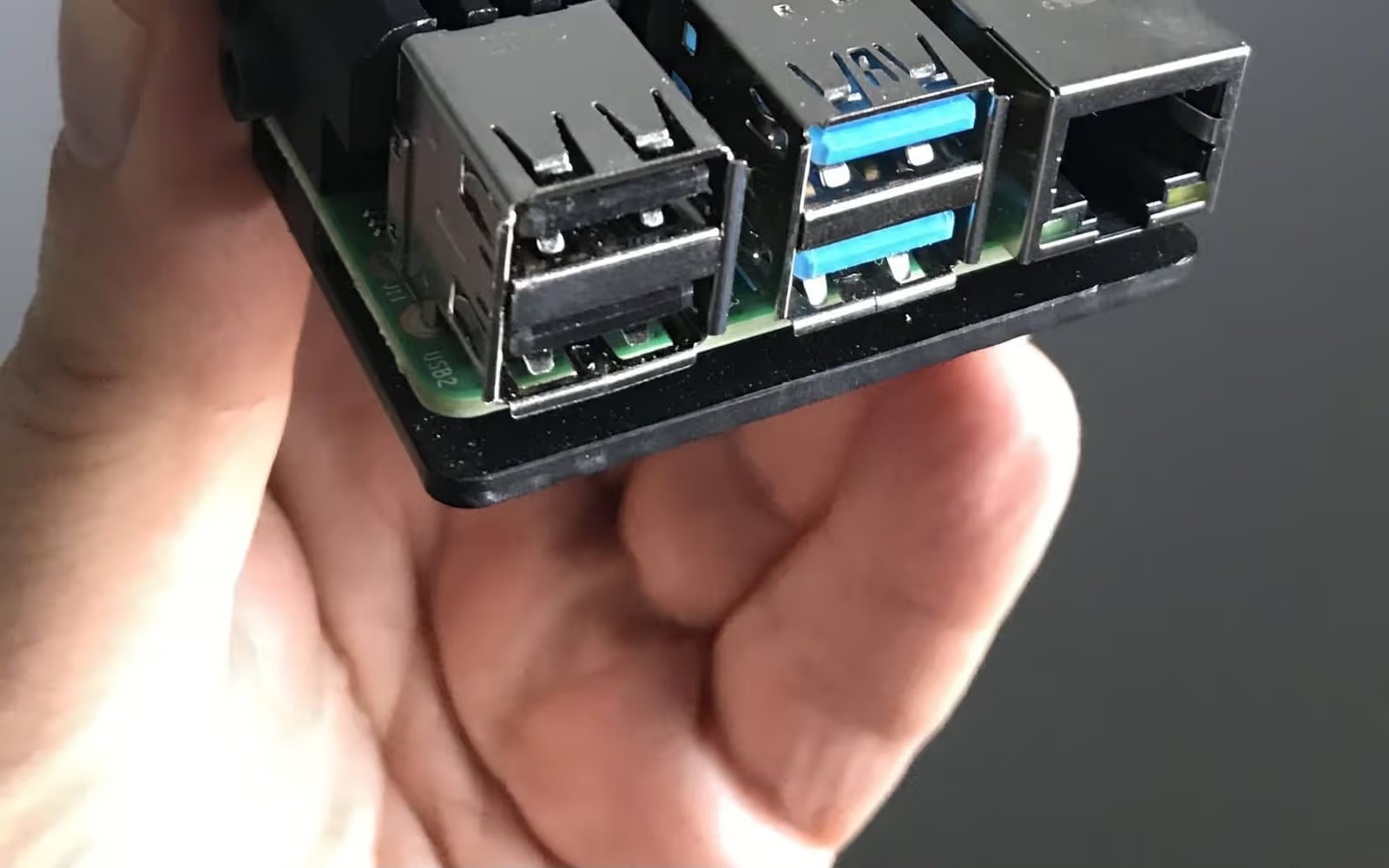
The Ayonix edge appliance
Published with the qualification it deserves: these are vendor-stated figures from the Ayonix product page, not an independent datasheet reading.
6+ TOPS NPU inference
- Source type
- Ayonix first-party statement
- Verified
- 2026-09-11 · Jan Mocary, Chief Technology Officer
What this does not establish
Vendor-stated figure from the Ayonix product page. Awaiting confirmation against the hardware datasheet; listed in docs/APPROVALS-REQUIRED.md. TOPS is a peak arithmetic rating, not a face-recognition throughput figure, and no stream count is inferred from it.
4 TB local NVMe
- Source type
- Ayonix first-party statement
- Verified
- 2026-09-11 · Jan Mocary, Chief Technology Officer
What this does not establish
Vendor-stated. Retention duration depends on stream count and configuration.
2.5 GbE and 1 GbE dual networking
- Source type
- Ayonix first-party statement
- Verified
- 2026-09-11 · Jan Mocary, Chief Technology Officer
What this does not establish
Vendor-stated. Awaiting datasheet confirmation.
What these figures do not tell you
A TOPS rating is a peak arithmetic throughput for the accelerator. It is not a face recognition throughput figure, and no stream count can be derived from it — the useful number depends on stream resolution, face density per frame, gallery size and whether liveness is enabled.
Likewise 4 TB of storage translates into a retention duration only once the event rate and what each event carries are known. A deployment storing evidence crops fills storage at a very different rate from one storing identifiers and timestamps.
These specifications are recorded in the claims register as vendor-stated and are listed
in docs/APPROVALS-REQUIRED.md pending confirmation against the hardware datasheet.
They will be re-verified or removed rather than left unqualified.
Operations
What running an edge estate actually involves
The hard part of edge is not the first device. It is the hundredth, and the update that has to reach all of them.
Local enrolment and sync
Where templates are created, how they reach each device, and what a site that has been offline for a week is matching against. A staleness policy is a requirement, not a refinement.
Template protection
The appliance sits in a less controlled environment than a server room, so encryption at rest and a defined tamper response are part of the specification rather than options.
Health monitoring
Device liveness, stream health and queue depth, alerting centrally. A device that stops recognising silently is worse than no device, because the site believes it is covered.
Staged updates
A rollout order, a rollback path, and defined behaviour for a device that loses power mid-update. Designed once, for the size of estate you will actually have.
Failover per site
What the door does when the appliance fails — fail secure, fail open, or fall back to a card reader. This is a safety decision as much as a security one.
Integration at the site
Door controller, VMS, webhook or local API. The same integration repeated identically at every site is what makes an estate rollout estimable rather than exploratory.
Edge configuration checklist
Edge rollouts succeed when every site is the same install. These are the decisions that make that possible — and they are made once, centrally, before the first site.
-
Count streams per site, not cameras per estate
Device capacity is per site. A hundred-site estate with four analysed streams each is a completely different specification from ten sites with forty.
-
Decide what an event contains before rollout
Match identifier and timestamp only, or also a cropped image? The answer changes the bandwidth, the storage and the privacy assessment, and changing it later means revisiting every site.
-
Bound the offline queue
How many events are held when the link is down, what happens when that fills, and whether the oldest or the newest is discarded. An unbounded queue is a future incident.
-
Define the gallery synchronisation policy
How enrolments reach each device, how often, what happens to a site that has been offline for a week, and how a conflict is resolved when two sides changed.
-
Plan template protection on the device
The appliance is in a physical environment you control less than a server room. Encryption at rest and tamper response are part of the specification, not an option.
-
Specify health monitoring and what it alerts on
A device that stops recognising without telling anyone is worse than no device, because the site believes it is covered. Monitor liveness, stream health and queue depth.
-
Design the update process for a hundred sites
Staged rollout, rollback path and the behaviour of a device that fails mid-update. Updating one device by hand is fine; updating a hundred by hand is not.
-
Decide the failover behaviour per site
What the door does if the appliance fails: fail secure, fail open, or fall back to a card reader. This is a safety decision as much as a security one.
-
Confirm the physical installation envelope
Power, mounting, ambient temperature, network drop and physical security. The site survey answers these, and it is cheaper than a return visit.
-
Pilot one site end to end before ordering a hundred
Including the install, the enrolment process, the update, a simulated link outage and the recovery. The second site should be boring.
Frequently asked questions
How many cameras can one edge appliance handle?
It depends on stream resolution, frame rate, how many faces appear per frame, the gallery size and whether liveness is enabled — so no portable number exists, and one quoted without those conditions describes a different deployment. The reliable approach is to run the actual streams from a representative site during a pilot and size from that measurement. That is what a configuration review produces.
What are the ATLAS AIBOX specifications?
Ayonix states 6+ TOPS of NPU inference, 4 TB of local NVMe storage, and dual networking with 2.5 GbE and 1 GbE interfaces. Those are vendor-stated figures from the Ayonix product page and are published here with that qualification; they are listed in our approvals register pending confirmation against the hardware datasheet. TOPS is a peak arithmetic rating rather than a face-recognition throughput figure, so no stream count should be inferred from it.
What happens when the network connection drops?
Recognition and local action continue, because neither depends on the wide-area link. Events queue on the device and forward when connectivity returns. What is lost during the outage is central visibility, not function — which is the opposite of a cloud-only design, where an outage means the door stops working.
How does enrolment work across many sites?
Either locally at each site or centrally with synchronisation to each device, and the choice should be deliberate. Central enrolment gives one authoritative gallery and one governance point; local enrolment survives a long outage without becoming stale. The hybrid model — central authority with synchronised local copies — is the usual answer for an estate, and it needs a defined policy for staleness and conflict.
Is video ever sent off site?
Only if the customer configures it that way. The default is that streams are consumed locally and discarded, and what leaves the site is the event: at minimum a match identifier and a timestamp, optionally a cropped evidence image. For many deployments the fact that footage never leaves is the reason edge was chosen, and it should be verified in the configuration rather than assumed.
How are the devices kept up to date?
Through a staged update process with a rollback path, which has to be designed for the number of sites in the estate. Updating one device by hand is unremarkable; updating a hundred by hand is a project. The behaviour of a device that loses power mid-update is part of the specification, not an edge case.
Can edge devices work alongside a central server?
Yes, and for a multi-site estate that is usually the right design. Devices handle capture and matching locally; a central server holds the authoritative gallery, the policy set and the consolidated audit record. Each site keeps working while disconnected and reconciles when its link returns. This is the hybrid model on the deployments page.
What physical security does the device need?
More than a server in a locked room, because it is by definition in a less controlled environment. Templates should be encrypted at rest, the device should be physically secured to something, and its tamper behaviour should be specified. Treating the appliance as part of the threat model rather than as infrastructure is the difference between a considered deployment and an assumption.
Related
Where to go next
On-premise face recognition
When one concentrated site beats many distributed devices.
Deployment comparison
All five architectures with their constraints stated.
Access control
The door that has to keep working when the link does not.
Watchlist monitoring
Removing the network round trip from the alert path.
Camera planning guide
Local processing cannot fix a camera that never sees a face.
Evidence register
Including which hardware figures are vendor-stated and awaiting datasheet confirmation.
Next step
Select an edge configuration
Tell us the site count, the analysed streams per site, what the event has to contain and what the local action is. The configuration review comes back with a per-site specification and a rollout sequence that starts with one site, not a hundred.