Watchlist monitoring
Watchlist face recognition
Turn a camera estate nobody can watch into a small number of reviewable alerts — each carrying the evidence an operator needs to decide, and each acknowledged by a person.
- Matching against a managed, authorised list
- Tracking stabilises events and cuts duplicates
- Every alert carries its evidence
- Operator acknowledgement is logged
In short
Watchlist face recognition compares faces detected in live camera streams against a managed, authorised list and raises an alert for an operator to review. The design problem is not detection but alert volume: quality gating, tracking and threshold policy decide whether operators trust the system.
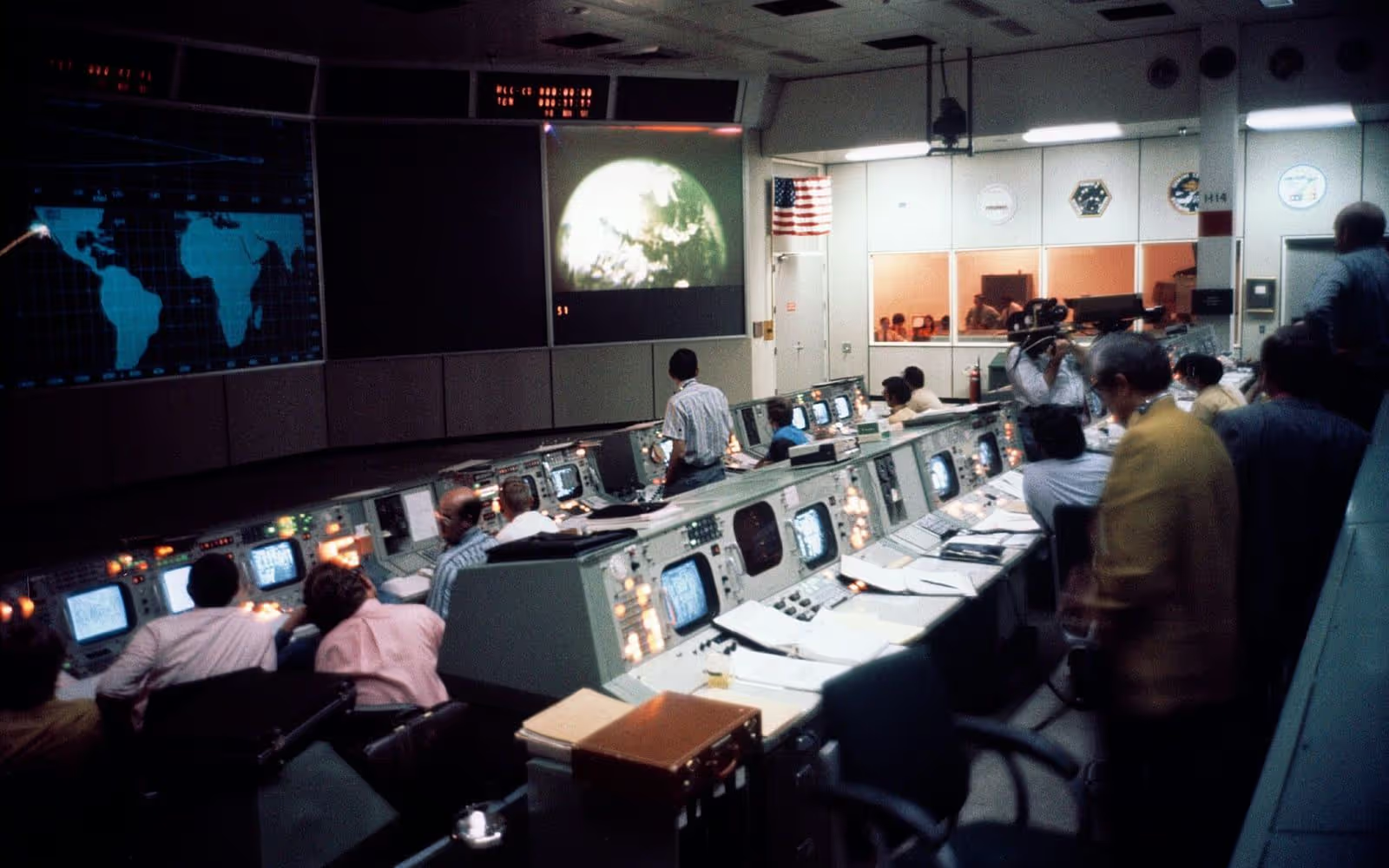
A watchlist deployment is judged by a control room, and control rooms judge quickly. A system that produces more alerts than people can review is not a partially working system — it is a system that will be muted within a fortnight, after which it is worse than nothing because it creates the appearance of coverage.
So the useful question is not how well the matching performs but how many alerts an hour the room can sustain, and whether the three controls that govern that number have been set deliberately. This page is organised around that question.
Why watchlist deployments fail
Almost never because the matching is poor. Almost always because the alert volume exceeds what a control room can review, and the system is then ignored — which is worse than not having it.
There are more cameras than there are people to watch them.
Continuous comparison happens on every enabled stream regardless of who is watching, so a camera nobody is looking at still produces an alert when it should.
Alerts arrive after the person has already left the area.
Processing at the edge or on a local server removes the network round trip from the alert path, which is usually the difference between an actionable alert and a report.
False alarms accumulate until operators stop looking at alerts entirely.
Alert volume is governed by three things under the customer’s control — the quality floor, the list size and the threshold. All three are configurable and all three should be tuned deliberately rather than left at a default.
Image quality from the cameras is too poor for a decision to be defensible.
Quality gating rejects a capture below the floor rather than comparing it. An alert generated from an unusable image wastes an operator’s time and undermines confidence in every other alert.
One person walking past generates twenty alerts in thirty seconds.
Tracking maintains continuity for a face across frames, so an appearance becomes one event with a duration rather than a burst of identical notifications.
The watchlist grows without limit and nobody remembers why an entry is on it.
Every entry carries who added it, on what basis, and when it expires. Expiry is enforced rather than reviewed, because a list that only grows becomes indefensible.
The evidence behind an alert is too thin to act on or to justify later.
An alert carries the camera, the timestamp, the captured image, the matched entry, the score, the threshold in force and a link to the recorded video.
There is no record of what the operator decided or why.
Acknowledgement is a logged decision with an outcome and optional case notes, stored separately from the system’s output so the two can be compared.
Investigating an event after the fact means scrubbing through hours of video.
Where the VMS integration carries metadata, matches are searchable against the timeline, so an investigation becomes a query rather than a viewing exercise.
How it works
From frame to acknowledged decision
Six stages, of which only one is matching. The other five are what determine whether a control room trusts the output.
-
Capture and detect
Faces are detected in the live stream. Frame rate and compression at this point bound everything downstream.
Fails when: The camera is positioned for scene coverage rather than for faces, and detects mostly heads and shoulders.
-
Gate on quality
Captures below the quality floor are discarded rather than compared. This is the single most effective control on alert volume.
Fails when: The floor is lowered to "catch more", and false alerts rise faster than true ones.
-
Track
A detected face is followed across frames so one appearance produces one event with a duration, not twenty notifications.
Fails when: Tracking is disabled for simplicity, and a single passer-by floods the queue.
-
Match against the list
Comparison against the authorised watchlist at the threshold set for this camera and this list.
Fails when: One global threshold is applied to cameras with very different capture conditions.
-
Alert with evidence
Camera, time, captured image, candidate, score, threshold and a link to the recorded video reach the operator together.
Fails when: The alert shows a name and a percentage, which invites acceptance rather than review.
-
Review, acknowledge, audit
A person decides, the decision and any case notes are recorded, and the whole chain is retained for audit.
Fails when: Acknowledgement is a single click with no outcome recorded, so nobody can tell later whether the alert was right.
Alert fatigue
The three controls that decide whether this works
All three belong to the customer. None of them is the algorithm, and all three are usually left at whatever the installer set on the first day.
The quality floor
Captures below the floor are discarded rather than compared. This removes the largest single source of spurious alerts, because a poor capture compared against a large list will eventually resemble someone. The pressure to lower the floor when match counts look low should be resisted: it raises false alerts faster than true ones.
List size and segmentation
Alert volume scales with the list, because every enrolled person is another chance of a false match on every comparison. A list segmented by purpose and camera keeps each comparison against the smallest set that serves the purpose — which improves both the alert rate and the defensibility of the deployment.
Threshold policy per camera
A doorway and a concourse present different capture conditions, and one global threshold cannot serve both well. Set it per camera against what a miss and a false alarm each cost at that location, record the reasoning, and name who may change it.
Live and forensic
Two workflows with different requirements
They share a recognition core and almost nothing else. Specifying them as one requirement produces a system that does neither well.
| Live alerting | Forensic search | |
|---|---|---|
| The question | Is someone on the list here now? | Where and when did this person appear? |
| Latency requirement | Supported: Seconds — an alert after the fact is a report | Depends on configuration: Minutes to hours is acceptable |
| Storage requirement | Event records and short evidence clips | Recorded video retained for the search window |
| Authorisation | Standing authorisation for the list and cameras | Usually case-by-case, tied to a specific investigation |
| Main failure mode | Alert volume exceeds review capacity | Search scope exceeds the lawful basis |
| Availability | Core workflow in any deployment | Depends on configuration: Depends on architecture and VMS integration — specify explicitly |
Forensic search depends on the recorded video being accessible to the system and on the VMS integration in place. It should be confirmed for a specific deployment rather than assumed from this page.
Evidence and governance
What has to be true before an alert is actionable
An alert an operator cannot justify acting on is an alert that should not have interrupted them.
The seven fields of a reviewable alert
- Camera — which view, so the operator knows where to look.
- Timestamp — to the second, synchronised across the estate.
- Captured image — what the system actually saw.
- Candidate entry — the enrolled image it matched, side by side.
- Similarity score — the raw comparison result.
- Threshold in force — so the score can be interpreted.
- Route to recorded video — the context around the moment.
The operator’s decision — confirmed, dismissed or escalated — is then recorded against the alert with their identity and any case notes, separately from the system’s output.
1:1 verification, 1:N identification, watchlist matching, face tracking, and liveness and presentation-attack detection
- Source type
- Ayonix first-party statement
- Verified
- 2026-09-11 · Jan Mocary, Chief Technology Officer
What this does not establish
Presentation-attack resistance is specific to the attack instruments tested for. Liveness is available in supported capture workflows, not universally.
A note on what this is not for
A watchlist alert is not a basis for automatic action against a person. Bookmarking video, notifying an operator and logging the event are reasonable automatic responses. Intercepting someone, refusing them entry or recording them as identified are not, because all three treat a similarity score as established fact. Customers must assess the laws and requirements applicable in their own jurisdiction; nothing here is legal advice.
Watchlist governance checklist
A watchlist is a list of people an organisation has decided to treat differently. That is a serious thing to operate, and these are the controls that make it defensible.
-
Write down the lawful basis for the list
Not for face recognition in general — for this specific list, at these specific cameras, for this specific purpose. A basis broad enough to cover anything cannot refuse the next request to reuse the system.
-
Require a named authoriser for every entry
Who added this person, on what evidence, under what authority. An entry whose origin nobody can explain is an entry that should be removed.
-
Set an expiry on every entry and enforce it
Expiry in software, not a calendar reminder. A watchlist that only grows becomes both operationally useless and legally indefensible.
-
Segment lists by purpose and camera
A list appropriate at a stadium turnstile is not appropriate at a staff entrance. Segmentation keeps the purpose limitation real.
-
Set thresholds per camera, not globally
Capture conditions differ enough between a doorway and a concourse that one threshold cannot serve both well. Record the value and the reasoning for each.
-
Establish the quality floor before go-live
Decide what a comparable capture looks like and reject anything below it. Then resist the pressure to lower it when the match count seems low.
-
Define what an alert must contain
Camera, timestamp, captured image, candidate image, score, threshold, and the route to the recorded video. An alert without all seven is not reviewable.
-
Make acknowledgement a recorded decision
Confirmed, dismissed or escalated, with the operator identity and optional notes. This is the record that makes the system auditable, and the data that reveals automation bias.
-
Measure the alert rate an operator can actually sustain
Then configure to that rate. A control room that receives more alerts than it can review will review none of them, and the system will have made things worse.
-
Review dismissed alerts for pattern
A camera generating dismissals is telling you something about its placement, its lighting or its threshold. Dismissals are the most useful data the system produces.
Frequently asked questions
How is alert fatigue actually reduced?
Through three controls, all of which belong to the customer rather than to the algorithm. The quality floor discards captures too poor to support a decision, which removes the largest source of spurious alerts. Tracking turns one appearance into one event rather than a burst of identical notifications. Threshold policy, set per camera and per list rather than globally, decides how confident a match must be before it interrupts someone. Tuning these deliberately is the difference between a system that gets used and one that gets muted.
What does a watchlist alert contain?
The camera, the timestamp, the captured image, the matched entry with its own image, the similarity score, the threshold in force at that moment, and a route to the recorded video around the event. Anything less is not reviewable — an operator asked to act on a name and a percentage is being asked to trust rather than to judge.
Who can add someone to a watchlist?
That is a governance decision the customer makes and should be able to defend. The system’s job is to make it accountable: every entry carries who added it, on what basis, and when it expires, and every addition and removal is logged. A watchlist entry that nobody can account for is the failure mode this design exists to prevent.
Does tracking mean the system follows people around?
Not in the sense that phrase usually implies. Tracking here maintains continuity for a detected face across consecutive frames of one camera so that a single appearance is reported as one event rather than many. It is a de-duplication mechanism within a camera view, not cross-camera journey reconstruction, and conflating the two leads to both bad design and justified public concern.
Can this be used for forensic search of recorded video?
Where the deployment is configured for it and the recorded video is accessible to the system, yes — searching recorded footage for a face is a supported workflow. Whether it is available in a given installation depends on the architecture and the VMS integration in place, so it should be specified explicitly rather than assumed. Live alerting and forensic search have different storage, performance and authorisation implications.
What image quality do the cameras need?
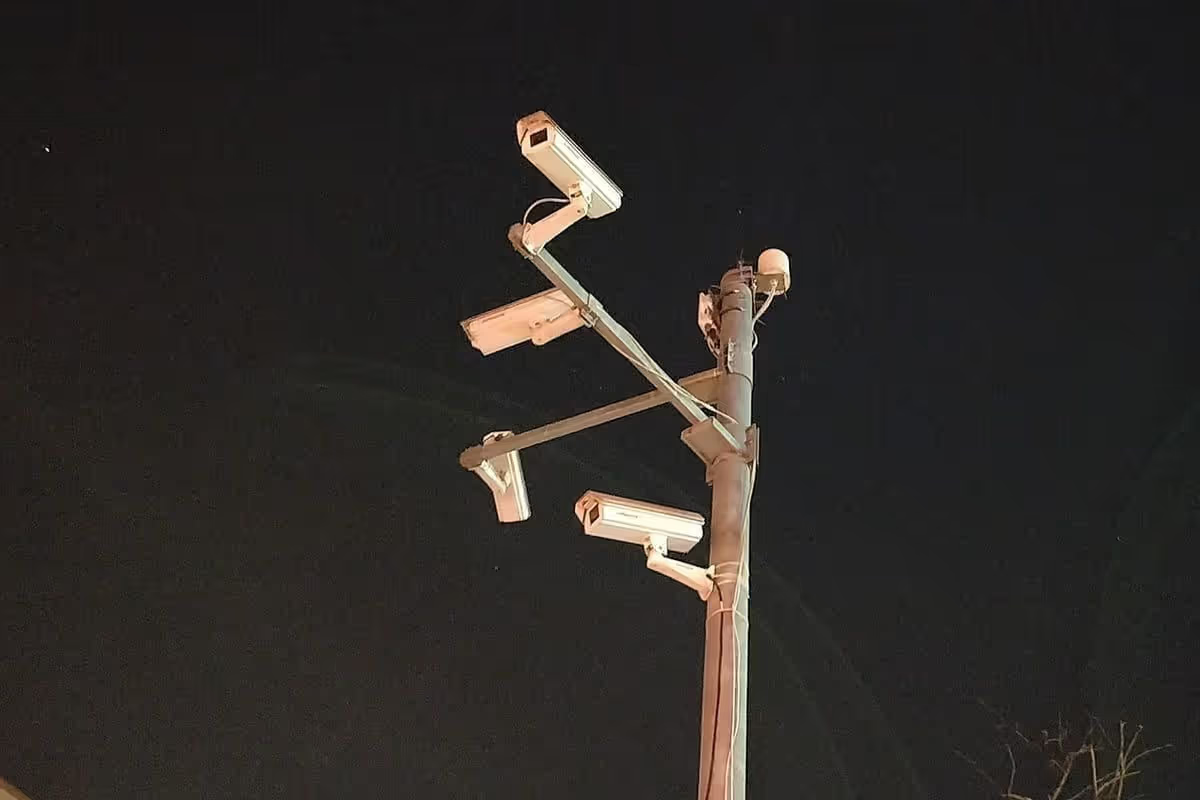
Enough pixels across the face at the point people actually pass, at an angle that sees a face rather than the top of a head, with lighting that does not silhouette everyone who walks in. The camera planning guide covers the measurements. A camera that produces a good-looking picture for a human viewer can still be well below what matching needs, because compression removes exactly the fine detail the comparison depends on.
How does this reach the operator?
Through whatever the control room already watches. Where a video management system is in place, the alert goes there — Milestone XProtect, Genetec Security Center and Network Optix each have their own integration page on this site with the mechanism described. Where there is no VMS, alerts can reach a webhook, an API consumer or a dedicated review interface.
Should an alert trigger an automatic action?
Not one with consequences for a person. Automatically bookmarking video, notifying an operator or logging an event is reasonable. Automatically refusing entry, dispatching staff to intercept someone or taking any action that treats the match as established fact is not, because the match is evidence and the operator is the decision-maker. Systems configured to act without review eventually act wrongly without anyone noticing.
Related
Where to go next
Camera planning guide
What a camera has to deliver before matching can be reliable.
Milestone XProtect integration
Alerts reaching operators inside Smart Client, attached to the video.
Network Optix integration
Metadata on the timeline, so matches are searchable afterwards.
Privacy and governance
Watchlist authorisation, expiry and human review as real controls.
Edge face recognition
Removing the network round trip from the alert path.
Accuracy and testing
Measuring both error types at your own cameras.
Next step
Evaluate a camera view
Send a short clip from the camera you want to use, recorded at the time of day that matters. The assessment tells you what the view can actually support, and what it cannot — before anyone quotes for hardware.